Work Order App
Mobile app for field technicians to manage their time clock, work orders and daily jobs.
(Client)
Confidential
(Year)
2025
(Services)
UX/UI, Mobile App

App
Mobile
We designed an app for maintenance teams to track their workday in one place: time clock, pending work orders and the address of each job.
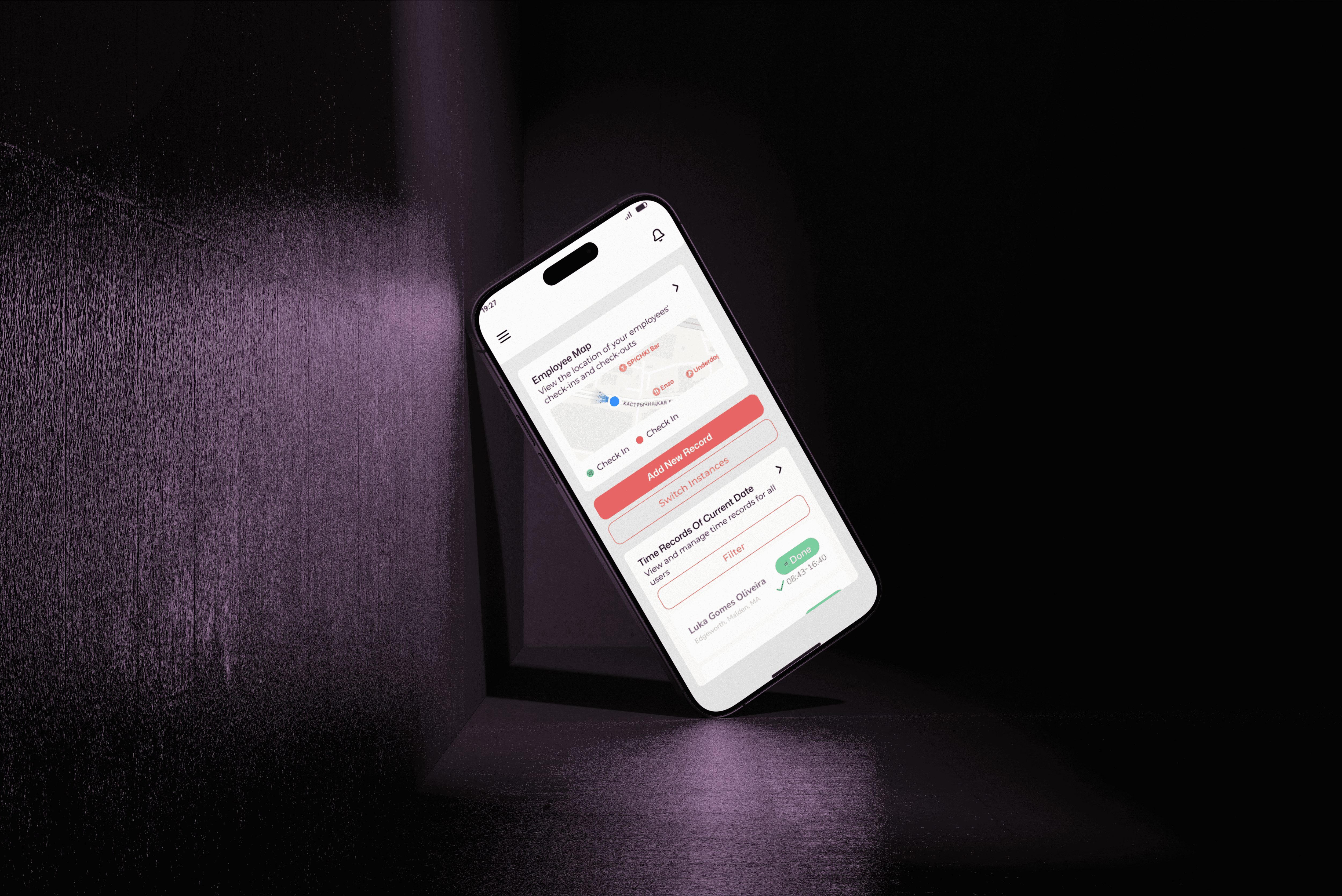
The starting point was the field technician's routine: little time, one free hand and the need to know quickly what to do next. The home screen brings together the day's time clock and the queue of pending orders, with the status visible on each card.
The bottom navigation gives direct access to Clock, Orders, Products and Settings. Cards with clear hierarchy, supporting icons and generous touch areas keep it fast to use even on the move.
What we delivered: navigation flows, wireframes, high-fidelity UI for the main screens (Time clock, Orders, Products and Settings), a reusable component library and a clickable prototype to validate the flows with the team.
About confidentiality: the client asked us not to disclose the company name, brand or internal metrics. That is why the screens appear unbranded and this case focuses on UX/UI decisions and process, without business figures.
Work Order App
Mobile app for field technicians to manage their time clock, work orders and daily jobs.
(Client)
Confidential
(Year)
2025
(Services)
UX/UI, Mobile App

App
Mobile
We designed an app for maintenance teams to track their workday in one place: time clock, pending work orders and the address of each job.
The starting point was the field technician's routine: little time, one free hand and the need to know quickly what to do next. The home screen brings together the day's time clock and the queue of pending orders, with the status visible on each card.
The bottom navigation gives direct access to Clock, Orders, Products and Settings. Cards with clear hierarchy, supporting icons and generous touch areas keep it fast to use even on the move.
What we delivered: navigation flows, wireframes, high-fidelity UI for the main screens (Time clock, Orders, Products and Settings), a reusable component library and a clickable prototype to validate the flows with the team.
About confidentiality: the client asked us not to disclose the company name, brand or internal metrics. That is why the screens appear unbranded and this case focuses on UX/UI decisions and process, without business figures.
Work Order App
Mobile app for field technicians to manage their time clock, work orders and daily jobs.
(Client)
Confidential
(Year)
2025
(Services)
UX/UI, Mobile App

App
Mobile
We designed an app for maintenance teams to track their workday in one place: time clock, pending work orders and the address of each job.
The starting point was the field technician's routine: little time, one free hand and the need to know quickly what to do next. The home screen brings together the day's time clock and the queue of pending orders, with the status visible on each card.
The bottom navigation gives direct access to Clock, Orders, Products and Settings. Cards with clear hierarchy, supporting icons and generous touch areas keep it fast to use even on the move.
What we delivered: navigation flows, wireframes, high-fidelity UI for the main screens (Time clock, Orders, Products and Settings), a reusable component library and a clickable prototype to validate the flows with the team.
About confidentiality: the client asked us not to disclose the company name, brand or internal metrics. That is why the screens appear unbranded and this case focuses on UX/UI decisions and process, without business figures.